Best travel apps for Japan in 2026: top 15
TL;DR: To travel Japan in 2026, fifteen apps cover the essentials: navigation (Google Maps, Japan Travel by NAVITIME), transit (Tokyo Metro, JR-East, Suica in Apple Wallet), translation (Google Translate, DeepL, Yomiwa), reservations (Tabelog, TableCheck, Booking.com), payments (Wise, Revolut), weather and earthquake alerts (Yahoo! Bousai, NHK World, Safety tips by JNTO) and leisure (Klook). All require reliable data on NTT Docomo, SoftBank, KDDI or Rakuten — exactly what a PlanJapan eSIM delivers the moment you land at Narita or Haneda. Here is our detailed 2026 selection, sorted by use case.

Maps and navigation: Google Maps, Japan Travel by NAVITIME and Maps.me
In Japan, your map app is your first line of defense against the maze of Shinjuku back streets, the seven-floor maze of Tokyo Station and addresses that ignore Western logic. Google Maps remains the universal tool: its transit coverage in Japan is exceptional, with real-time schedules on JR lines, Tokyo Metro, Toei and most private operators. Type "Shibuya Crossing" from your Asakusa hotel and you get the train + walk route to the minute, with ticket price included.
Japan Travel by NAVITIME is the local reference, designed specifically for foreign travelers. It handles tourist passes better (JR Pass, Tokyo Subway 72h, Hakone Free Pass) by filtering covered routes, and shows elevators in each station — valuable with a suitcase. Plan for 100 MB per day if you use it intensively with map rendering enabled.
Maps.me is your offline safety net: download the Japan map (1.2 GB) before departure and you keep access to points of interest even in a Tokaido Shinkansen tunnel between Nagoya and Shin-Osaka where 4G wavers. The trick is combining them: Google Maps for real-time transit, NAVITIME to optimize a JR Pass, Maps.me for the rural Tohoku or the Kumano Kodo trails. Our guide on rural coverage details which operators actually reach the Japanese countryside.

Public transit: Tokyo Metro, JR-East App and Suica in Apple Wallet
Japan's rail system is famously complex: Tokyo alone has 13 Tokyo Metro and Toei subway lines, plus about twenty overlapping JR East and private lines. Tokyo Metro Subway Map & Route is the official app: free, in English, it calculates the exact fare (between 180 and 330 ¥ depending on distance), the first and last train times (vital after 11 pm in Shibuya), and offers an offline mode for the map. In Osaka, its equivalent is Osaka Metro Application, and in Kyoto, you will combine buses and subways with Arukumachi Kyoto.
JR-East App covers all JR lines in the east of the country, from the Yamanote in Tokyo to the Tohoku, Hokuriku, Joetsu and Yamagata Shinkansen. You book Shinkansen seats without going to a counter (Apple Pay or card), track delays live, and link your Mobile Suica. A late-2025 update added direct ticket purchases inside the app, which saves you the busy in-station kiosks.
Suica via Apple Wallet (or Mobile Suica on Android with Google Pay and Osaifu Keitai) is the most practical tool of the trip: load the IC card straight into your iPhone 11 or newer, top it up by 5,000 ¥ with your foreign Visa from Apple Wallet, and tap your phone through the gates. No more physical card, no more change to count. The Suica also pays at konbini, vending machines and taxi terminals: your entire daily life runs through that single line. See our guide to Shinkansen connectivity to understand how to keep the signal between Tokyo and Kyoto.
Translation and language: Google Translate, DeepL and Yomiwa
Japanese uses three writing systems — hiragana, katakana, kanji — and even a ramen menu can become a puzzle. Google Translate stays the reference for fast use: point the camera at a station sign or izakaya menu and the English translation overlays in real time. Download the offline Japanese pack (200 MB) before leaving, and you can translate without connectivity in the subway or in a Kiso Valley village. The conversation feature is handy to chat with a Kyoto taxi driver who doesn't speak English.
DeepL is clearly better than Google for long texts and nuance: emails to a ryokan, WhatsApp messages to an Airbnb host, or translating a Tabelog page you really want to understand. The tone is more natural, especially in English. The free app covers 5,000 characters per day; beyond that, the Pro plan costs $8.99/month. DeepL also refuses to spit out grammar aberrations that Google sometimes produces, which avoids misunderstandings.
Yomiwa is the secret weapon for Japan enthusiasts: an offline Japanese-English dictionary, kanji recognition through the camera, place-name dictionary and history. If you want to understand the stele at a Kamakura temple or the label on a box of wagashi at Toraya, this is the tool. The free version is enough for most travelers; Pro at $9.99 unlocks example sentences and the complete geographic name database. Combine the three based on context: Google for instant scans, DeepL for written text, Yomiwa for culture.
Restaurant and hotel booking: Tabelog, TableCheck, Booking.com and Agoda
Japan has its own reservation culture, and using the right apps is the difference between a memorable dinner and an hour in line. Tabelog is the Japanese Yelp, far more reliable: ratings out of 5 where a 3.5 is already excellent (Japanese reviewers are strict), and a 4.0 marks an outstanding place. The app is available in English. Filter by neighborhood, price range (¥ to ¥¥¥¥), cuisine type (sushi, kaiseki, yakitori, izakaya) and read reviews with Google Translate built in. Several Tabelog 3.8+ Tokyo restaurants don't even appear on Google Maps — hidden gems guaranteed.
TableCheck is the official reservation platform for hundreds of high-end restaurants, including many Michelin-starred spots in Tokyo and Kyoto. Unlike OpenTable, it is widely adopted locally: 7,000 restaurants covered in 2025, with instant confirmation. Book 2-4 weeks ahead for famous Ginza sushiyas, 1-2 months for a Pontocho kaiseki. The deposit is charged in yen via foreign Visa or Mastercard.
For hotels, Booking.com and Agoda dominate. Agoda is often 5 to 15 % cheaper than Booking on Japanese hotels (the company is Singapore-based and negotiates aggressively in Asia), with excellent ryokan coverage. Booking remains better for Toyoko Inn and APA business hotels, and its English customer service responds faster on cancellations. Our Narita and Haneda eSIM guide explains how to activate the connection right after deplaning, so you can book a last-minute onsen from the Limousine Bus.
Payments, cash and FX: Wise, Revolut and Apple Pay
Japan remains partly cash-based, but 2026 marks a real shift toward contactless. Wise (formerly TransferWise) stays unbeatable for ATM withdrawals at 7-Eleven and Family Mart machines: real interbank rate, 1.75 % fee on withdrawals beyond $250/month, and transparent yen conversion. If you plan to withdraw 80,000 ¥ (≈ $530) over two weeks, you save $15-25 versus a standard American card.
Revolut plays in the same league with one edge: free FX conversion up to $1,000/month on the Standard plan and cash-back at certain Japanese merchants. The app is more versatile (crypto, stocks, sub-accounts) but weekend fees exist on conversions. Open both accounts and keep 80 % in pre-converted yen with Wise and 20 % in reserve with Revolut.
Apple Pay and Google Pay have changed life in Japan since 2024-2025. Once your Suica is loaded, you pay at every konbini, Aeon supermarket, vending machine, Tokyo Musen taxi and even some restaurants. Younger retailers (Daiso, Uniqlo, Don Quijote) now accept direct Visa and Mastercard contactless without a Suica. For remote spots (a family guesthouse in Takayama, a small soba restaurant on Mount Koya), still carry 30,000 ¥ in cash: some regions, especially rural Tohoku and Shikoku, remain cash-only in 2026.
Weather, earthquakes and emergency alerts: Yahoo! Bousai, NHK World and Safety tips by JNTO
Japan is one of the most quake- and typhoon-exposed countries in the world, with one of the most advanced alert systems anywhere. Safety tips by JNTO (Japan National Tourism Organization) is the official traveler app: alerts in English, French and 13 other languages, notifications on earthquakes, tsunamis, volcanic eruptions (Mount Aso, Sakurajima) and typhoon warnings. It is the must-install before you set foot in Narita.
Yahoo! Bousai is the go-to local app: rainfall forecasts to the 5-minute mark on radar, UV index, air quality (useful during the kafun-shou pollen season in March-April), and an early earthquake warning system that can give you 5 to 30 seconds to take cover. The interface is Japanese-only but pictograms speak for themselves and accuracy beats Google Weather.
NHK World-Japan streams Japan's public broadcaster in English, with real-time typhoon coverage (the season runs July to October) and major earthquake reporting. The app also bundles a travel guide and cultural replays. Pair it with Twitter/X (account @JapanGov) for official alerts. If a magnitude 6+ quake hits during your trip, you get an alert on your PlanJapan eSIM in under 30 seconds — provided you have an active connection, which is why activating your eSIM the day before departure rather than at landing matters.
Culture, leisure and experiences: Klook, GuruNavi and Pokémon GO
Klook has become the must-have app for experiences in Japan in 2026: skip-the-line tickets for TeamLab Planets and Borderless, Universal Studios Japan in Osaka, Tokyo Tower, sumo tournaments at Ryogoku, tea ceremonies in Uji, cooking classes. Expect 10-30 % cheaper than the ticket counter on several attractions, with QR-coded tickets delivered to your phone. Klook also handles car rentals (Nissan Rent-a-Car, ToCoo!) and airport transfers.
GuruNavi is a Tabelog alternative leaning more toward booking and deals: English menus, translated cards, and discount coupons (10-20 %) at several big chains (Watami, Torikizoku, Sukiya). It is less exhaustive on high-end places but excellent for family izakaya and ramen chains.
For pop culture, Pokémon GO and Pikmin Bloom are on another level in Japan: special events in Yokohama, exclusive raids in Shibuya, regional Pokémon that exist only in Asia. Pair with Google Lens to identify ukiyo-e prints in an Edo museum, and Spotify to enjoy Tatsuro Yamashita's city pop on the Shinkansen between Tokyo and Hiroshima. Our guide on how many GB you need calculates precisely what fits your profile.
Connectivity: why your apps are worthless without reliable data
Fifteen apps is powerful. But without a stable 4G/5G connection, Google Maps spins in circles, DeepL refuses to translate, and Yahoo! Bousai's earthquake alert never reaches you. This is the classic story of the traveler who discovers, at Shinjuku Station, that their American carrier doesn't actually roam, or that a Pocket WiFi rented at Narita sits at 18 % battery after four hours. The 2026 answer is still a Japan-dedicated eSIM, activated before departure.
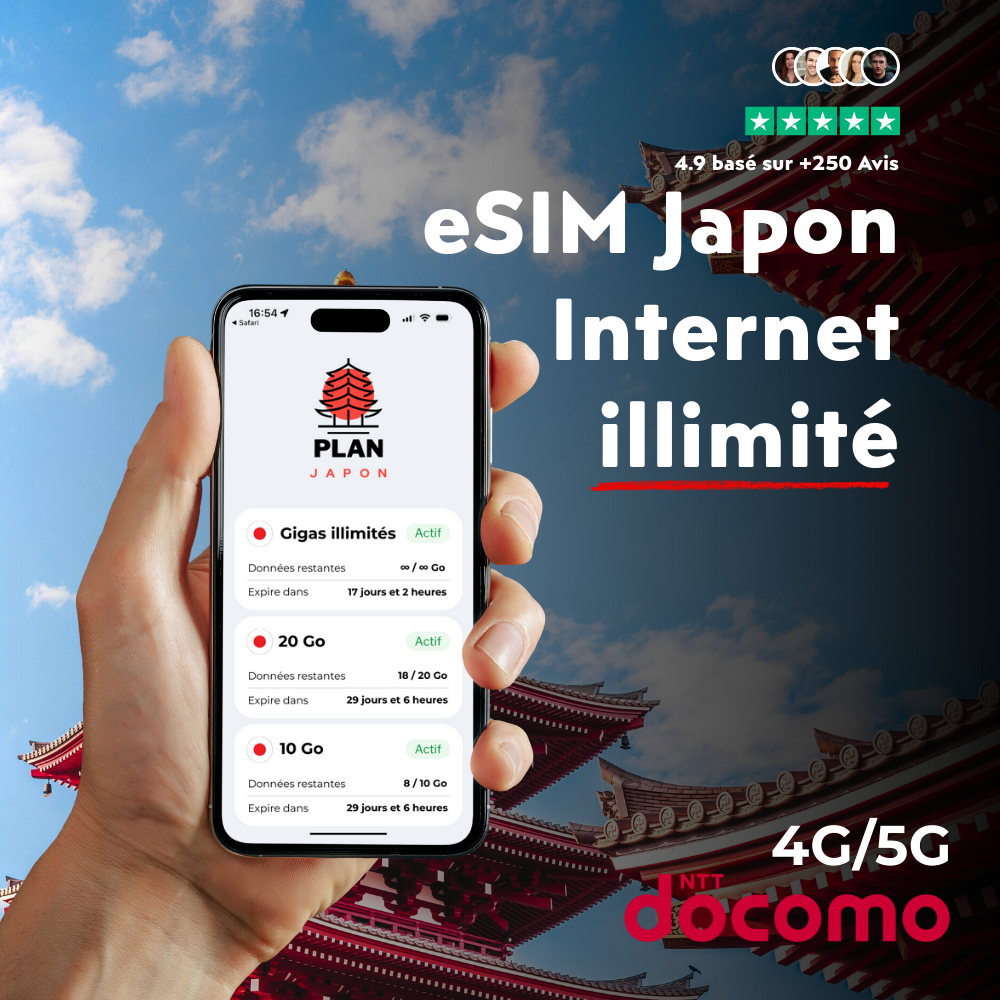
The PlanJapan eSIM uses NTT Docomo's premium network, which covers 99.9 % of the territory: signal in Shibuya, but also Koyasan, Naoshima, the Tohoku Shinkansen between Sendai and Aomori, the ferry to Yakushima. Plans of 5 GB, 20 GB, 50 GB and unlimited cover every profile, from a Tokyo shopping weekend to a month-long road trip across Kyushu. Activation takes 2 minutes with a QR code, no physical card to handle. See the iPhone activation tutorial for the step-by-step procedure.
If you travel as a family with several phones, or work remotely from Japan with daily video calls, the unlimited eSIM removes the mental arithmetic. It is also the choice of content creators uploading 4K Instagram reels from Mount Fuji or the Kenrokuen gardens. For more classic travelers (Maps, translation, photos on Instagram, occasional streaming in the evening), 20 to 50 GB over 10 days is more than enough.
FAQ — Best travel apps for Japan
What is the must-install app before a trip to Japan?
If you could only install one, it would be Google Maps with the offline Japan pack downloaded. It handles real-time transit, turn-by-turn directions and works partially without a connection. Right after, install Safety tips by JNTO for earthquake/typhoon alerts, then Google Translate with the offline Japanese pack. These three apps cover 80 % of a traveler's daily needs in 2026.
Do these apps need an internet connection to work?
Yes, about 90 %. Offline Google Maps works for walking but loses live transit data. DeepL and Tabelog require connectivity. Alert apps (Safety tips, Yahoo! Bousai, NHK World) only receive notifications when connected. A Japan eSIM with 20-50 GB of data on NTT Docomo's network comfortably covers one to two weeks for a regular traveler.
Tabelog or Google Maps to find a great restaurant in Tokyo?
Both, in this order: Tabelog to identify (a 3.5+ rating is already very good in Japan, where reviewers are strict), then Google Maps for navigation and additional English reviews. For high-end Ginza sushiyas or Kyoto kaiseki, add TableCheck to book. Avoid TripAdvisor: its Japanese ratings are unreliable and disconnected from local practice.
Is Suica in Apple Wallet compatible with my American iPhone?
Yes, from iPhone 8 onwards (and every iPhone 11, 12, 13, 14, 15 and 16 model). Suica works with your American Apple ID without switching regions. Load the card with a Visa or Mastercard directly from Apple Wallet, in yen. On Android, Mobile Suica via Google Pay requires an Osaifu Keitai-compatible phone (Pixel 7 and newer, Samsung Galaxy S22+ sold in Japan). Otherwise, grab a Welcome Suica physical card at Narita.
How much data do I need to use all these apps?
For 10-14 days of regular travel (Maps, translation, photos, some streaming), plan for 20 to 30 GB. If you work remotely, do video content creation or play Pokémon GO heavily, jump to 50 GB or pick unlimited. The PlanJapan eSIM offers these plans from $10 with instant QR-code activation.
Is there an app to translate a ramen menu through the camera?
Yes: Google Translate in camera mode translates live by overlay, and Yomiwa is even better for stylized characters (handwritten kanji, calligraphies). Download offline packs before leaving. For complex kaiseki menus, double-check with DeepL by photographing and pasting the text: translation quality is superior on longer sentences.
Klook or the official website to buy TeamLab tickets?
Klook is generally 5 to 15 % cheaper and offers skip-the-line tickets with a QR code on the app. The only case where you would prefer the official site (TeamLab Planets, Borderless, Tokyo Disneyland) is if you want a slot with 30-minute granularity or a specific add-on (food package, restaurant). For 90 % of travelers, Klook saves time and money.