Samsung Galaxy Watch 7: ¿compatible con eSIM?

¿Es tu Samsung Galaxy Watch 7 compatible con la tecnología eSIM?

Tu Samsung Galaxy Watch 7 es totalmente compatible con eSIM y te permite usar una tarjeta SIM virtual sin insertar ninguna tarjeta física.

Hasta
1
eSIMs
almacenadas
Lanzado en
2024
Hasta
1
eSIMs
activas

Gracias a esta compatibilidad, puedes:

  • Activar un plan eSIM PlanJapon en pocos minutos desde casa
  • Usar una eSIM y mantener tu nano-SIM física (Dual SIM según el operador)
  • Viajar o cambiar de operador sin reemplazar tu tarjeta SIM

¿Qué hacer antes de instalar una eSIM en tu Samsung Galaxy Watch 7?

Antes de instalar una eSIM en tu Samsung Galaxy Watch 7, verifica estos puntos importantes

  • Tu Samsung Galaxy Watch 7 está liberado (no bloqueado por un operador)
  • Tu modelo no es una versión específica para China continental (posibles restricciones de eSIM)
  • Tu versión de Android o iOS está actualizada (Android 15 o superior recomendado) para máxima compatibilidad
  • Instala la eSIM PlanJapon siguiendo la guía paso a paso enviada tras la compra
  • Activa tu eSIM con una conexión a Internet (Wi-Fi o datos) para evitar cualquier bloqueo
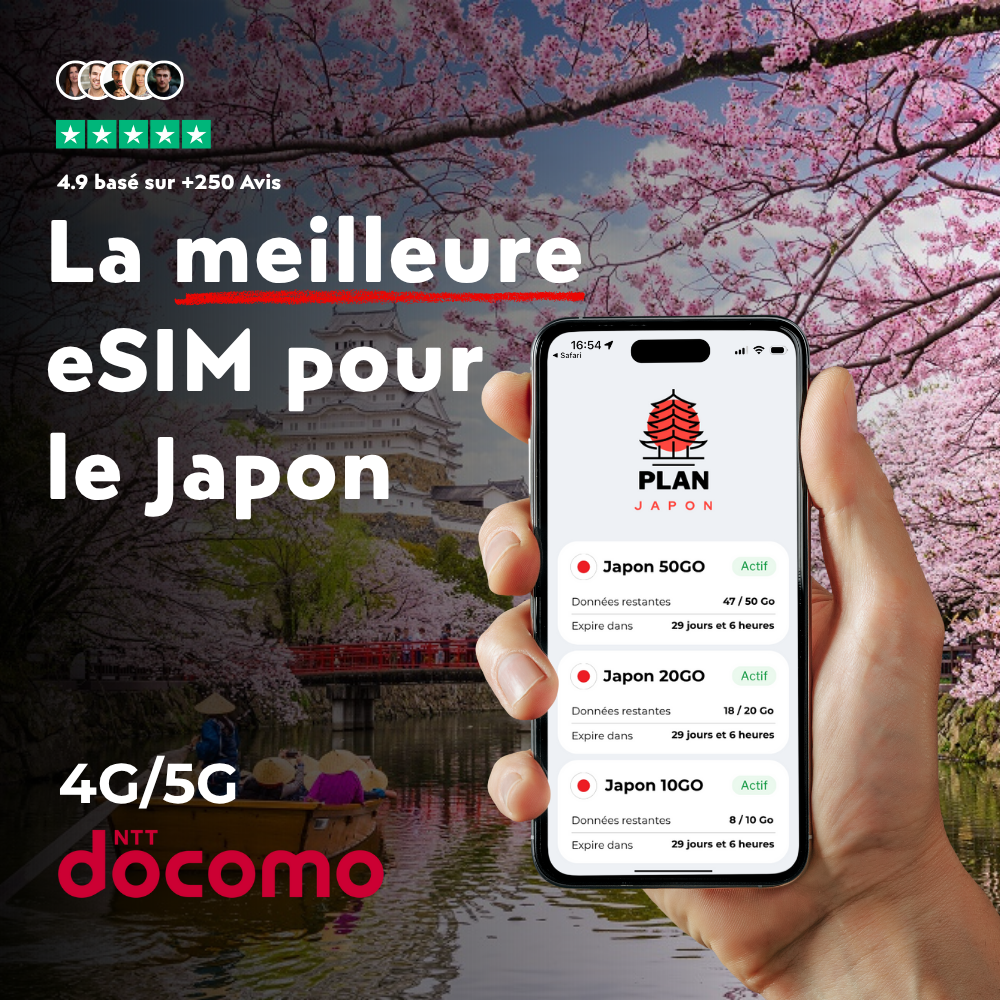
⭐ Recomendado para tu viaje

eSIM Japón

eSIM Japón

Diseñada especialmente para Japón, esta eSIM te conecta a la red 4G/5G desde tu llegada. Activación en 2 minutos por código QR.

Frequently asked questions about your Samsung Galaxy Watch 7 and eSIM

Does your Samsung Galaxy Watch 7 work with a PlanJapan eSIM?

Yes, your Samsung Galaxy Watch 7 is fully compatible with PlanJapan eSIM. You can purchase your Japan eSIM on esimjp.com, receive your QR code by email, and install it in a few minutes before you leave.

Can I use a physical nano-SIM and an eSIM at the same time on your Samsung Galaxy Watch 7?

Yes, your Samsung Galaxy Watch 7 supports Dual SIM in most regions: you can keep your nano-SIM for regular calls and use the PlanJapan eSIM for mobile data in Japan.

Do I need to activate the eSIM immediately after purchase?

No, you can install the eSIM in advance and activate it only when you arrive in Japan. The validity countdown starts only when the eSIM first connects to the Japanese mobile network.

How many eSIMs can be active on your Samsung Galaxy Watch 7?

Your Samsung Galaxy Watch 7 can store multiple eSIM profiles and keep two of them active simultaneously. You can switch easily between your usual eSIM and your Japan eSIM.

How do I check if your Samsung Galaxy Watch 7 is eSIM ready?

Open the settings of your Samsung Galaxy Watch 7, go to Cellular or Mobile Data, and look for an "Add eSIM" or "Add Plan" option. If it's there, your device is ready.