

TL;DR: Tethering (hotspot) with a PlanJapan Japan eSIM works exactly like with a physical SIM: your iPhone or Android turns into a 5 GHz Wi-Fi hotspot that can feed 5 to 10 devices at once on the NTT Docomo 4G/5G network. The real limits don't come from the eSIM itself but from local throughput (50–250 Mbps average in Japan), the host phone's battery life (3–4 hours of heavy hotspot use) and, on some competitors' "unlimited" plans, a hidden fair-use cap of 5–10 GB per day on hotspot. With PlanJapan, tethering is included on every plan with no artificial throttling.

How tethering with a Japan eSIM actually works
Tethering — also called hotspot, personal hotspot, or "share connection" — turns your smartphone into a tiny Wi-Fi router. Your phone receives the cellular 4G/5G signal from the Japanese carrier (NTT Docomo for PlanJapan, sometimes KDDI or SoftBank on competing eSIMs), then rebroadcasts it locally over Wi-Fi (usually 5 GHz, sometimes 2.4 GHz depending on the device). Your other devices — laptop, tablet, Nintendo Switch, GoPro, second phone — connect to that hotspot exactly like they would to a hotel or café Wi-Fi.
On the eSIM side, nothing changes versus a physical SIM. Once your PlanJapan profile is installed via QR code and activated on the ground in Japan, the eSIM handles the cellular link and the phone handles the local sharing. That's why every eSIM-capable iPhone (XS and newer) and every eSIM-capable Android (Pixel, Samsung Galaxy S20+, Xiaomi, recent OnePlus) supports tethering with no extra setup. If your model is listed in our iPhone eSIM Japan compatibility guide, tethering will work the moment you land at Narita or Haneda.
Three factors decide how good your tethering experience will be: cellular coverage where you stand (excellent in Docomo-served cities, more variable in rural Tohoku or the outer Okinawa islands), instant throughput from the cell (50–250 Mbps average, up to 700 Mbps on 5G in central Tokyo or Osaka), and battery life of the phone serving as the hotspot. None of those three are gated by the eSIM itself — they all come from the underlying Docomo network and your hardware.

What's actually included in PlanJapan eSIM tethering
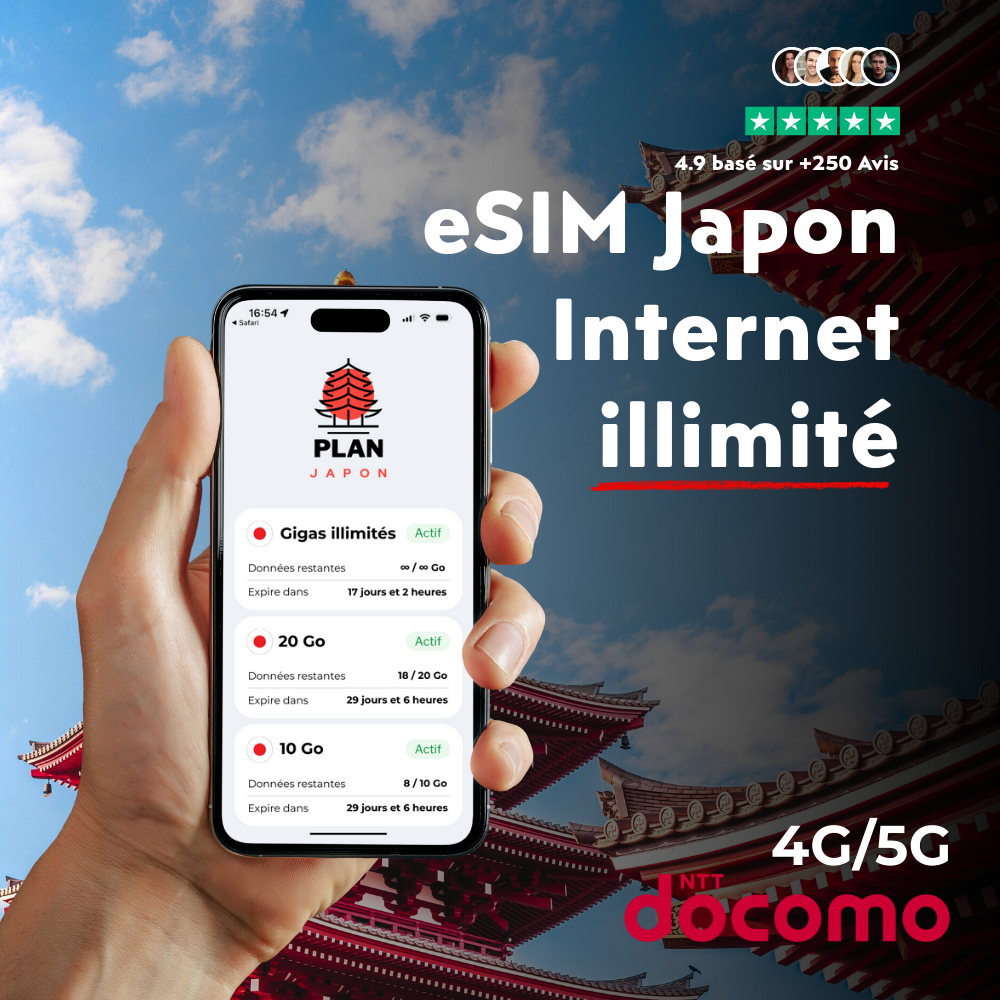
With PlanJapan, the rule is simple: every gigabyte in your plan is shareable. Buy a 20 GB plan and you can burn those 20 GB however you want — straight from the phone, through hotspot, or any mix of both. Buy unlimited and you share unlimited — there's no hidden fair-use cap that quietly throttles you after 5 or 10 GB of hotspot per day, unlike many European carrier roaming plans (Free, Orange) or some competing eSIMs like Holafly or Airalo depending on the plan tier.
In practice, that means a traveler on a 50 GB plan can hotspot a partner who didn't take an eSIM for the full 10–14 day trip, keep a laptop running from a café in Shibuya, plug a Nintendo Switch on the Tokaido Shinkansen between Tokyo and Kyoto, or feed a GoPro that auto-uploads to the cloud during a Hokkaido hike. None of those uses trigger a hidden block as long as the total plan quota holds.
The PlanJapan hotspot also routes VoIP calls (WhatsApp, FaceTime audio, Google Meet) and video calls from the tethered device, because the Docomo network passes traffic through without deep-packet inspection. If you specifically need to dial Japanese or international voice numbers natively, check our data eSIM vs voice plan for Japan comparison — tethering doesn't change that specific picture. For those traveling with two phones, knowing how many GB to plan for a 2-week trip helps you size the package up front, hotspot included.
Real-world limits: devices, throughput and battery
The first hard limit is the host phone itself. iPhone 12 and newer officially accept up to 5 simultaneous hotspot clients; in practice, stability starts to dip past 3–4 if all of them are actively streaming or doing video calls. Samsung Galaxy S22 and newer comfortably handle 8–10 clients on a 5 GHz hotspot. Pixel 7 and 8 cap at 10 by default. Those numbers aren't a PlanJapan or Docomo limit — they come straight from the phone's Wi-Fi chipset.
The second limit is shared throughput. An iPhone 15 pulling 200 Mbps over 5G in Shinjuku redistributes about 150–180 Mbps through the hotspot — you lose 10–20% to Wi-Fi overhead and the double radio conversion. For a mixed workload (Google Maps, messaging, Instagram, a bit of streaming), that's plenty for 3 people in parallel. To pre-download a 4 GB Netflix episode before a 5-hour Shinkansen ride to Aomori, count on 3–5 minutes over urban 5G and 15–20 minutes over rural 4G.
The third limit — and the most underestimated — is host phone battery life. Turning on the hotspot drains the battery 2 to 3 times faster than normal use. An iPhone 14 Pro with a fresh battery goes from 16 hours of screen time to 4–5 hours of intensive hotspot use. The practical recommendation: pack at least a 10,000 mAh power bank if you plan to tether more than 2 hours a day, especially on trains where outlets are rare outside recent Nozomi Shinkansen. Keeping the host's screen brightness low and switching to 2.4 GHz hotspot for less demanding devices extends battery life by about 30%.
When tethering gets throttled or blocked: fair-use and carriers
Not every eSIM is equal on this point. Some international resellers apply a hotspot cap that's separate from the global data quota: Airalo limits tethering to about 50% of total quota on some Japan plans, and Holafly applies a 500 MB to 1 GB per day fair-use cap on hotspot for its "unlimited" offers. Past that, the hotspot keeps working but throughput collapses to 128–512 kbps — enough for WhatsApp text, way too little for Google Maps navigation. The line "tethering included" on the product page isn't enough on its own; you need to read fair-use terms line by line.
On the carrier side, Docomo, KDDI and SoftBank never throttle tethering as such — it's the eSIM reseller's call. Rakuten Mobile, the fourth carrier, doesn't throttle either, but its rural footprint stays weaker than Docomo's in Tohoku, northern Hokkaido and parts of Okinawa. If your trip touches rural areas, the underlying cellular network matters just as much as the fair-use policy — an "unlimited" hotspot on a network that doesn't reach you is useless. Our rural eSIM coverage in Japan guide compares carriers side by side.
At PlanJapan, the partner network is Docomo (99.9% territory coverage) and the fair-use policy is explicit: on capped data plans you spend your quota however you like; on unlimited there is no hidden hotspot cap. The only case where throughput drops is local cell saturation on the Docomo side — a rare phenomenon, mostly during Golden Week or around the Sumida fireworks in Tokyo — and it hits every Docomo subscriber, eSIM or physical SIM alike, and clears within minutes.
Turning on hotspot on iPhone and Android in Japan
The procedure doesn't change versus using your phone at home, but a few details matter once you're in Japan. On iPhone: Settings > Cellular > select the PlanJapan line > Cellular Data: On (the hotspot pulls nothing if cellular data is off) > go back > Personal Hotspot > toggle "Allow Others to Join". The Wi-Fi password is generated automatically; write it down or share it through AirDrop. To let a Mac reconnect automatically, enable Family Sharing inside iCloud.
On Android (Samsung, Pixel, Xiaomi): Settings > Connections > Mobile Hotspot and Tethering > Mobile Hotspot > toggle on. On some Samsung Galaxy S23/S24 units, double-check that the active line is PlanJapan (Settings > Connections > SIM Card Manager > Mobile Data: PlanJapan). On Pixel, the "Data Saver" setting disables hotspot by default if it's on — turn it off in Settings > Network > Data Saver. More detail in our Android & Samsung Japan eSIM guide.
One Japan-specific gotcha: if you have two active eSIMs in parallel (PlanJapan + your home carrier in roaming, or PlanJapan + a local voice eSIM), force the PlanJapan line as the "Default line for cellular data" before enabling the hotspot. Otherwise the phone may share the other line — often the one that bills 12 €/MB in non-EU roaming. Check this the moment you land at Narita, Haneda or Kansai International (KIX), before the first heavy use. For the very first activation on the ground, our Japan eSIM activation step by step on iPhone covers the post-landing minutes.
Typical tethering use cases in Japan
The first case is the family or group of friends. A single PlanJapan 50 GB eSIM for four people costs less than four separate eSIMs and works very well as long as one phone is the designated host. The host carries the power bank, keeps the phone within reach, and the other three connect over Wi-Fi. Realistic cap: 50 GB for four people across 10 days is short if everyone streams. Unlimited becomes the right call past 3 heavy users in parallel.
The second case is the digital nomad or business traveler. Sharing 4G/5G Docomo to a MacBook for video calls from a Shimokitazawa café, an Osaka coworking space or the Shinkansen waiting hall runs smoothly. For full working days (8 hours of hotspot with daily video meetings), count 15–25 GB consumed per day — for that profile, PlanJapan unlimited is the default. The Docomo 5G urban throughput (200–500 Mbps average) often beats the Wi-Fi of many Japanese AirBnbs.
The third case is the road trip in a rental car across Hokkaido, Kyushu or the western coast. A phone mounted as a hotspot in the car feeds the passenger's GPS, the kids' Nintendo Switch in the back seat, and a GoPro pushing footage to Google Photos. Docomo 4G covers 99% of major roads including mountain areas; the only dead zones are a few long tunnels and isolated sections of Daisetsuzan National Park.
Alternatives to tethering: when hotspot isn't enough
For two specific profiles, tethering isn't always the best solution. If you travel as a family of 5+, or if you expect more than 8 hours of continuous video calls per day, a dedicated Pocket Wi-Fi (500–800 yen per day, around 3–5 €) remains more stable. The upside: it doesn't kill a phone's battery and supports 10–15 devices without degradation. The downside: you must pick it up at the airport (Sakura Mobile counter at Narita or Haneda, for instance), recharge it every night and return it. Our comparison eSIM vs physical SIM for Japan also touches on Pocket Wi-Fi as an alternative.
For digital nomads staying more than a month in Japan, another option is to combine a PlanJapan unlimited eSIM as primary and a local Rakuten Mobile subscription (3 GB free then 1,980 yen/month for unlimited, ~12 €) as voice-data backup. That combo costs under 50 € a month and gives you redundancy if Docomo hits a local outage — rare but possible, as the July 2022 KDDI 60-hour incident reminded everyone.
FAQ — Japan eSIM tethering
Does tethering burn more data than direct phone use?
No, the volume is identical: 1 GB consumed through hotspot equals 1 GB deducted from the plan, exactly like 1 GB consumed directly on the phone. The "more data" feeling comes from the fact that laptops and tablets tethered through the hotspot often consume more than phones do (macOS updates of 5–10 GB, iCloud sync, HD streaming instead of SD). The hotspot itself adds 0% overhead on the cellular link.
Can I watch Netflix or play online games over PlanJapan eSIM tethering?
Yes. The Docomo network routes traffic without protocol inspection, so Netflix, Disney+, Twitch, Steam, PSN and Xbox Live all work normally through the hotspot. Urban 5G throughput (200–500 Mbps) supports stable 4K streaming and online gaming with 30–50 ms latency on Asian servers. Plan-side: 1 hour of HD Netflix burns about 3 GB, 1 hour of gaming 100–300 MB — size accordingly across the trip.
Does the hotspot work on the Shinkansen and in the Tokyo metro?
Yes in both cases. The Tokaido Shinkansen (Tokyo–Kyoto–Osaka) is covered on 4G/5G Docomo along almost the entire line except for 2–3 long tunnels (notably near Mishima and Atami). The Tokyo and Osaka metro is covered at 100% of stations and between stations on the newer lines (Fukutoshin, Toei Oedo). Tethering works without interruption on short trips and with brief micro-cuts in older tunnels.
How many GB should I plan for a Japan trip with tethering?
For a couple or a duo sharing a single eSIM: 30 to 50 GB across 10 days is plenty (Maps, messages, photos, some evening streaming). For a family of four with one child watching Netflix on the Shinkansen and one adult on 2 hours of video calls per day: jumping to PlanJapan unlimited is simpler and lower-risk than stressing over the cap. For a 2–3 week trip with standard use: 50 GB per phone remains the safe value.
Does eSIM tethering drain the battery faster?
Yes, significantly. Running a 5 GHz hotspot uses 2 to 3 times more battery than normal phone use. An iPhone 15 Pro drops from 12–14 hours of autonomy to 4–5 hours of intensive hotspot use. Practical fix: carry a 10,000 mAh power bank (about 25 € from Anker), keep the host phone plugged in inside the car, and switch to 2.4 GHz hotspot for lighter devices (Switch, GoPro, smartwatch) to save about 30% of autonomy.
Is my iPhone or Android compatible with eSIM tethering?
Every iPhone XS or newer (2018+) and every eSIM-capable Android (Pixel 3+, Samsung Galaxy S20+, Xiaomi Mi 11+, OnePlus 11+) supports eSIM tethering without extra setup. If your phone installs the PlanJapan eSIM correctly, then hotspot will work. eSIM compatibility and hotspot compatibility go hand in hand — no recent phone supports one without the other.
Can I share the eSIM connection with a phone that doesn't support eSIM?
Yes, with no restriction. The client phone doesn't even need to be eSIM-capable — it connects to the Wi-Fi hotspot like any other network (hotel, café, AirBnb). It's the most common solution for travelers with a secondary phone (older iPhone, work phone, backup Android) or for travel companions who didn't take a separate eSIM.