Apple iPad 11th generation (from 2025): menyokong eSIM?

Apakah Apple iPad 11th generation (from 2025) anda menyokong eSIM?

Apple iPad 11th generation (from 2025) anda menyokong eSIM dan memungkinkan anda menggunakan kad SIM virtual tanpa memasukkan kad fisik.

Berkat keserasian ini, anda boleh:

  • mengaktifkan pakej eSIM PlanJapan dalam hitungan minit dari rumah
  • menggunakan eSIM sambil tetap menyimpan kad nano-SIM fisik anda (Dual SIM bergantung operator)
  • mengembara atau berganti operator tanpa mengganti kad SIM

Apa yang perlu dilakukan sebelum memasang eSIM di Apple iPad 11th generation (from 2025) anda?

Sebelum memasang eSIM di Apple iPad 11th generation (from 2025) anda, semak poin-poin penting ini

  • Apple iPad 11th generation (from 2025) anda tidak terkunci (boleh dipakai di semua operator)
  • Model anda bukan versi khusus «China Tanah Besar» (kemungkinan ada pembatasan eSIM)
  • Versi Android atau iOS anda sudah dikemas kini (minimal Android 15) untuk keserasian maksimal
  • Pasang eSIM PlanJapan dengan mengikuti panduan langkah demi langkah yang diberikan selepas pembelian
  • Aktifkan eSIM anda dengan sambungan internet (Wi-Fi atau data) agar tidak terkendala
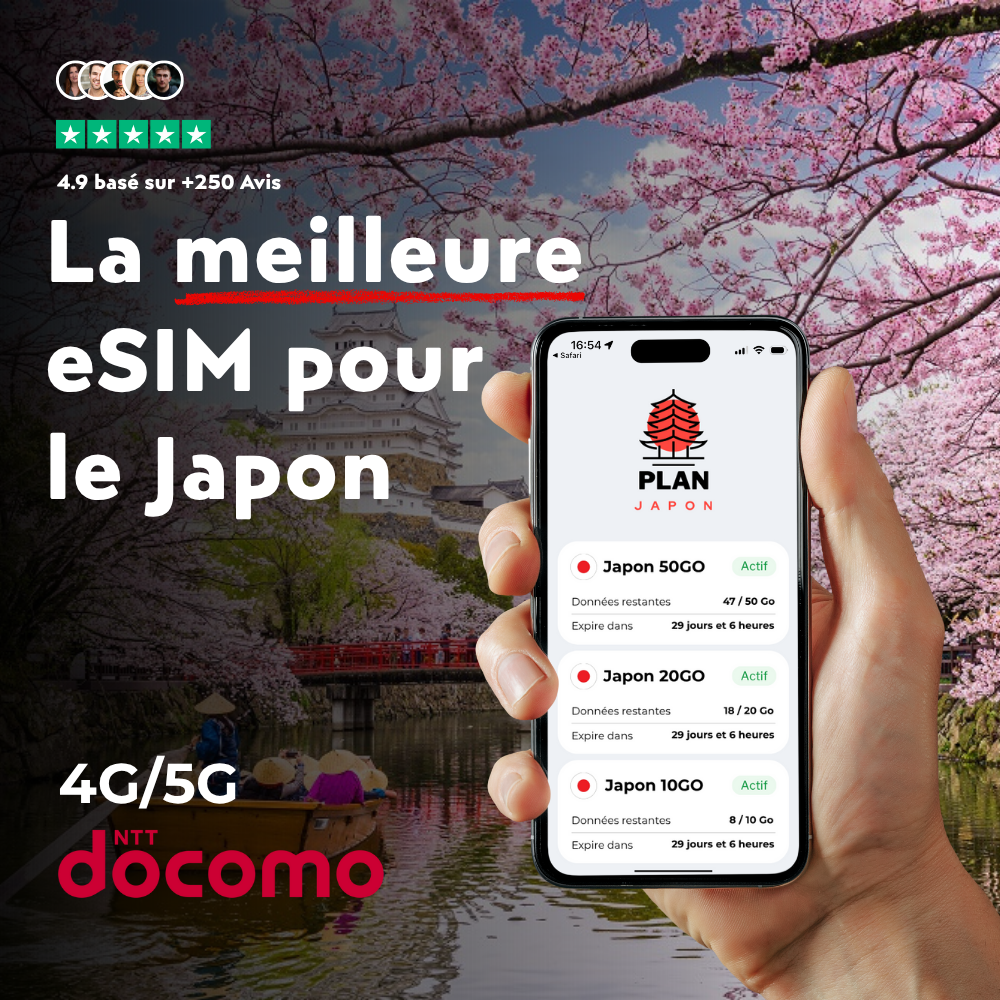
⭐ Disyorkan untuk perjalanan anda

eSIM Japon

eSIM Jepun

Direka khas untuk Jepun, eSIM ini menyambungkan anda ke rangkaian 4G/5G begitu mendarat. Aktif dalam 2 minit melalui kod QR.

Frequently asked questions about your Apple iPad 11th generation (from 2025) and eSIM

Does your Apple iPad 11th generation (from 2025) work with a PlanJapan eSIM?

Yes, your Apple iPad 11th generation (from 2025) is fully compatible with PlanJapan eSIM. You can purchase your Japan eSIM on esimjp.com, receive your QR code by email, and install it in a few minutes before you leave.

Can I use a physical nano-SIM and an eSIM at the same time on your Apple iPad 11th generation (from 2025)?

Yes, your Apple iPad 11th generation (from 2025) supports Dual SIM in most regions: you can keep your nano-SIM for regular calls and use the PlanJapan eSIM for mobile data in Japan.

Do I need to activate the eSIM immediately after purchase?

No, you can install the eSIM in advance and activate it only when you arrive in Japan. The validity countdown starts only when the eSIM first connects to the Japanese mobile network.

How many eSIMs can be active on your Apple iPad 11th generation (from 2025)?

Your Apple iPad 11th generation (from 2025) can store multiple eSIM profiles and keep two of them active simultaneously. You can switch easily between your usual eSIM and your Japan eSIM.

How do I check if your Apple iPad 11th generation (from 2025) is eSIM ready?

Open the settings of your Apple iPad 11th generation (from 2025), go to Cellular or Mobile Data, and look for an "Add eSIM" or "Add Plan" option. If it's there, your device is ready.