RealTime Contact: รองรับ eSIM ไหม

RealTime Contact ของคุณรองรับ eSIM หรือไม่

RealTime Contact ของคุณรองรับ eSIM จึงใช้ซิมเสมือนได้โดยไม่ต้องใส่ซิมกายภาพ

สูงสุด
2
eSIM
ที่เก็บได้
วางจำหน่ายปี
2024
สูงสุด
2
eSIM
ใช้งานพร้อมกันได้

ด้วยความเข้ากันได้นี้ คุณสามารถ:

  • เปิดใช้แพ็กเกจ eSIM ของ PlanJapan ได้ในไม่กี่นาทีจากที่บ้าน
  • ใช้ eSIM พร้อมกับเก็บนาโนซิมกายภาพไว้ (Dual SIM ขึ้นอยู่กับผู้ให้บริการ)
  • เดินทางหรือเปลี่ยนผู้ให้บริการโดยไม่ต้องเปลี่ยนซิม

ควรทำอะไรก่อนติดตั้ง eSIM บน RealTime Contact ของคุณ

ก่อนติดตั้ง eSIM บน RealTime Contact ของคุณ โปรดตรวจสอบสิ่งสำคัญเหล่านี้

  • RealTime Contact ของคุณปลดล็อกแล้ว (ใช้ได้กับทุกผู้ให้บริการ)
  • รุ่นของคุณไม่ใช่เวอร์ชันเฉพาะ «จีนแผ่นดินใหญ่» (อาจมีข้อจำกัดเรื่อง eSIM)
  • เวอร์ชัน Android หรือ iOS ของคุณเป็นเวอร์ชันล่าสุด (อย่างน้อย Android 15) เพื่อความเข้ากันได้สูงสุด
  • ติดตั้ง eSIM ของ PlanJapan ตามคู่มือทีละขั้นที่ได้รับหลังการซื้อ
  • เปิดใช้ eSIM ขณะเชื่อมต่ออินเทอร์เน็ต (Wi-Fi หรือดาต้า) เพื่อเลี่ยงปัญหา
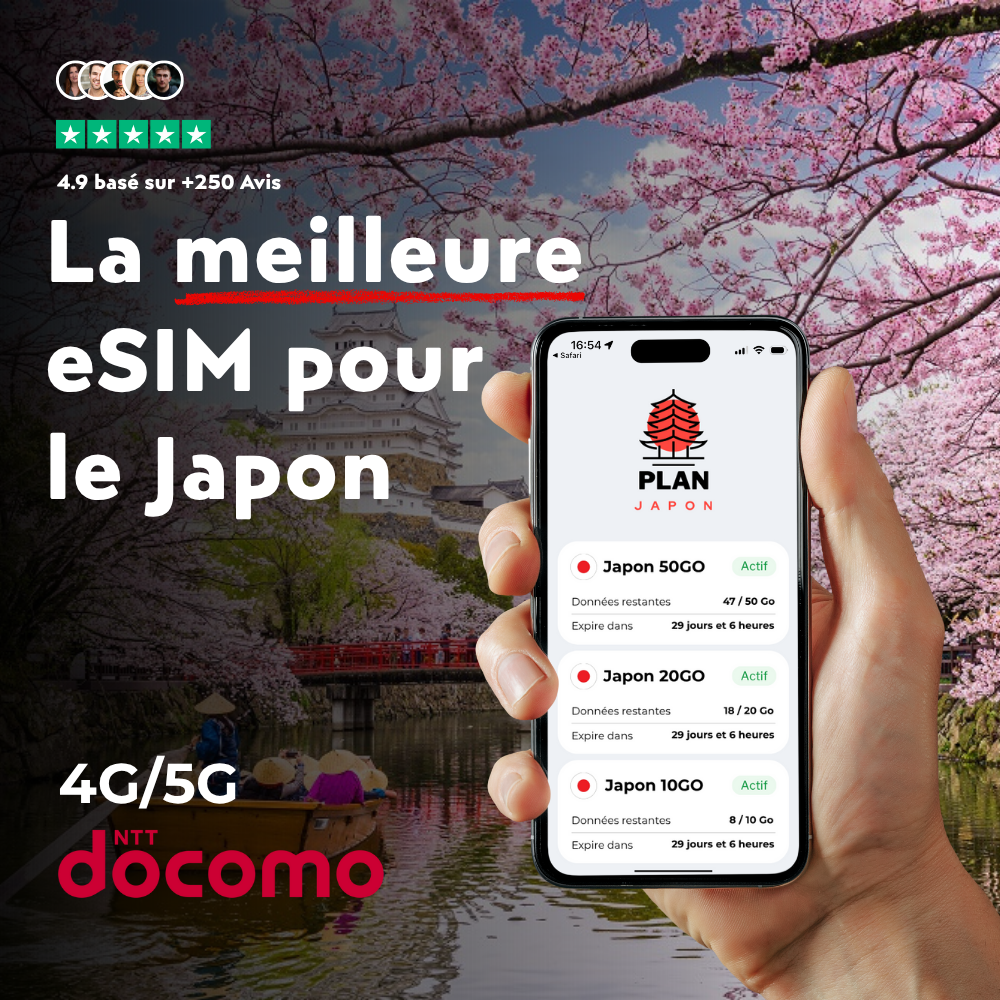
⭐ แนะนำสำหรับทริปของคุณ

eSIM Japon

eSIM ญี่ปุ่น

ออกแบบมาเพื่อญี่ปุ่นโดยเฉพาะ eSIM นี้เชื่อมต่อคุณกับเครือข่าย 4G/5G ทันทีที่ลงเครื่อง เปิดใช้ใน 2 นาทีด้วยคิวอาร์โค้ด

Frequently asked questions about your RealTime Contact and eSIM

Does your RealTime Contact work with a PlanJapan eSIM?

Yes, your RealTime Contact is fully compatible with PlanJapan eSIM. You can purchase your Japan eSIM on esimjp.com, receive your QR code by email, and install it in a few minutes before you leave.

Can I use a physical nano-SIM and an eSIM at the same time on your RealTime Contact?

Yes, your RealTime Contact supports Dual SIM in most regions: you can keep your nano-SIM for regular calls and use the PlanJapan eSIM for mobile data in Japan.

Do I need to activate the eSIM immediately after purchase?

No, you can install the eSIM in advance and activate it only when you arrive in Japan. The validity countdown starts only when the eSIM first connects to the Japanese mobile network.

How many eSIMs can be active on your RealTime Contact?

Your RealTime Contact can store multiple eSIM profiles and keep two of them active simultaneously. You can switch easily between your usual eSIM and your Japan eSIM.

How do I check if your RealTime Contact is eSIM ready?

Open the settings of your RealTime Contact, go to Cellular or Mobile Data, and look for an "Add eSIM" or "Add Plan" option. If it's there, your device is ready.