Apple iPad 11th generation (from 2025): eSIM destekliyor mu?

Apple iPad 11th generation (from 2025) cihazınız eSIM ile uyumlu mu?

Apple iPad 11th generation (from 2025) cihazınız eSIM destekliyor ve fiziksel kart takmadan sanal bir SIM kart kullanmanıza olanak tanıyor.

Bu uyumluluk sayesinde şunları yapabilirsiniz:

  • evinizden birkaç dakika içinde bir PlanJapan eSIM paketi etkinleştirmek
  • fiziksel nano SIM kartınızı korurken bir eSIM kullanmak (operatöre göre Dual SIM)
  • SIM kartınızı değiştirmeden seyahat etmek veya operatör değiştirmek

Apple iPad 11th generation (from 2025) cihazınıza eSIM kurmadan önce ne yapmalısınız?

Apple iPad 11th generation (from 2025) cihazınıza bir eSIM kurmadan önce şu önemli noktaları kontrol edin

  • Apple iPad 11th generation (from 2025) cihazınız kilitsiz (tüm operatörlerde kullanılabilir)
  • Modeliniz özel bir «Çin anakarası» sürümü değil (eSIM kısıtlamaları olabilir)
  • Android veya iOS sürümünüz güncel (en az Android 15), böylece azami uyumluluk sağlanır
  • PlanJapan eSIM'i satın alma sonrası verilen adım adım rehberi izleyerek kurun
  • Sorun yaşamamak için eSIM'inizi internet bağlantısıyla (Wi-Fi veya mobil veri) etkinleştirin
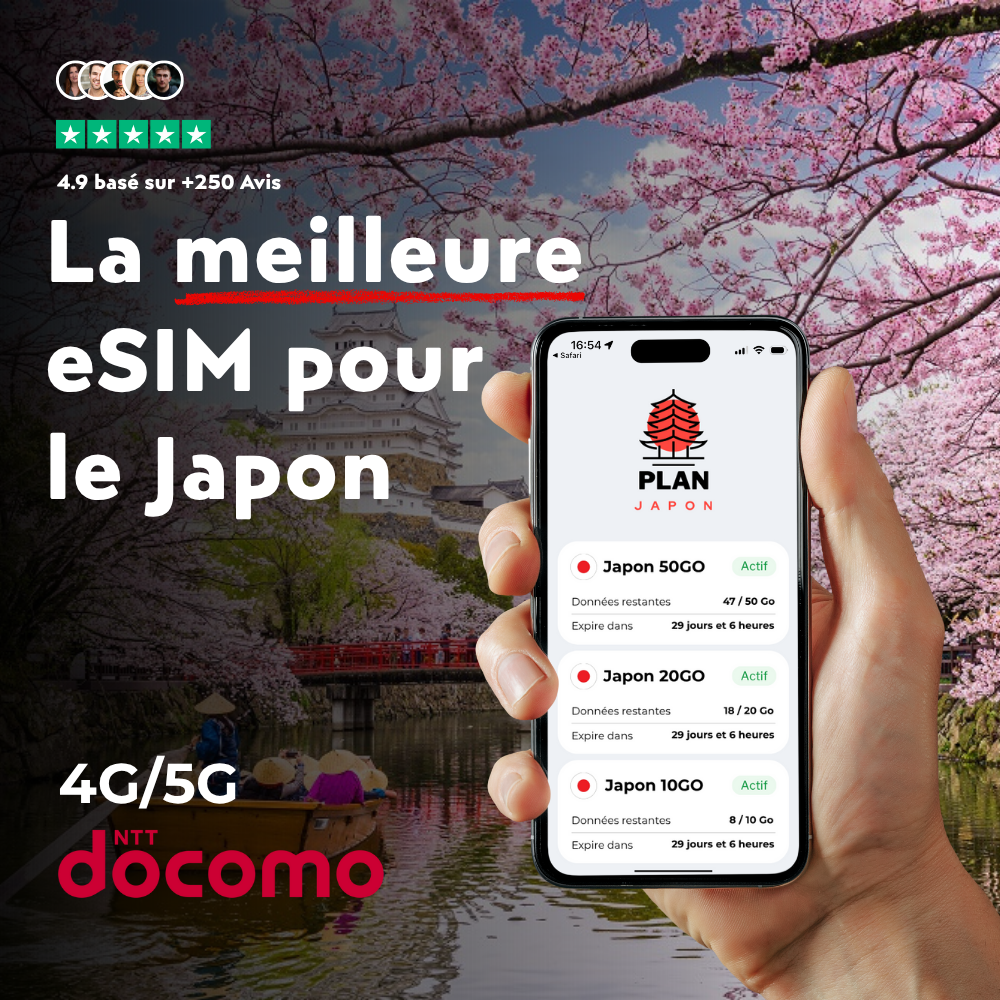
⭐ Seyahatiniz için öneriliyor

eSIM Japon

Japonya eSIM

Özellikle Japonya için tasarlandı: bu eSIM iner inmez sizi 4G/5G şebekesine bağlar. QR kodla 2 dakikada etkinleşir.

Frequently asked questions about your Apple iPad 11th generation (from 2025) and eSIM

Does your Apple iPad 11th generation (from 2025) work with a PlanJapan eSIM?

Yes, your Apple iPad 11th generation (from 2025) is fully compatible with PlanJapan eSIM. You can purchase your Japan eSIM on esimjp.com, receive your QR code by email, and install it in a few minutes before you leave.

Can I use a physical nano-SIM and an eSIM at the same time on your Apple iPad 11th generation (from 2025)?

Yes, your Apple iPad 11th generation (from 2025) supports Dual SIM in most regions: you can keep your nano-SIM for regular calls and use the PlanJapan eSIM for mobile data in Japan.

Do I need to activate the eSIM immediately after purchase?

No, you can install the eSIM in advance and activate it only when you arrive in Japan. The validity countdown starts only when the eSIM first connects to the Japanese mobile network.

How many eSIMs can be active on your Apple iPad 11th generation (from 2025)?

Your Apple iPad 11th generation (from 2025) can store multiple eSIM profiles and keep two of them active simultaneously. You can switch easily between your usual eSIM and your Japan eSIM.

How do I check if your Apple iPad 11th generation (from 2025) is eSIM ready?

Open the settings of your Apple iPad 11th generation (from 2025), go to Cellular or Mobile Data, and look for an "Add eSIM" or "Add Plan" option. If it's there, your device is ready.